The Async Communication Problem: Why Remote Teams Are Drowning in Messages
Jan 15, 2026 • 6 min read
It's 5:47 PM on a Wednesday.
You've been "working" for 7 hours. You've sent 47 Slack messages. You've been in 3 Zoom calls. You've checked your notifications 89 times.
Actual deep work accomplished: Maybe 45 minutes.
Sound familiar?
This is the async communication paradox: tools designed to make us more productive are making us less productive. And it's getting worse.
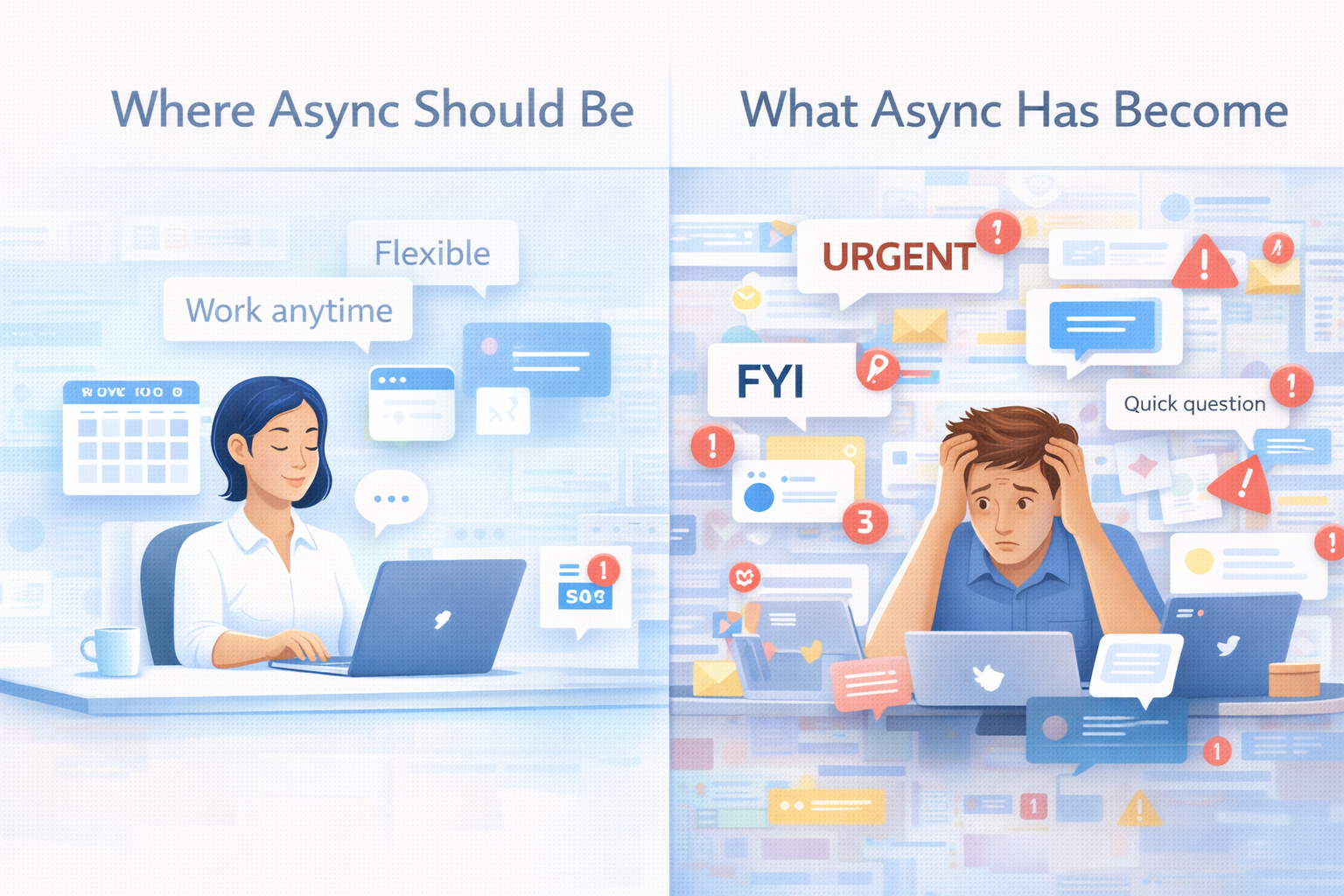
The Promise vs. The Reality
What we were told:
"Async communication means you can work on your own schedule! No more meetings! Deep work whenever you want!"
What actually happened:
"You're expected to respond within 15 minutes or people think you're slacking off. 'Async' just means you're available 24/7."
The promise of async was beautiful:
- Work during your peak hours
- No timezone constraints
- Deep focus without interruptions
- Work-life balance
The reality is brutal:
- Constant notification anxiety
- FOMO if you don't check messages
- "Urgent" messages at 10 PM
- Deep work feels impossible
The Numbers Don't Lie
Let's look at what's actually happening:
Average knowledge worker in 2025:
- Receives 300+ Slack messages per week
- Checks Slack 150+ times per day
- Gets interrupted every 6 minutes on average
- Spends 2.5 hours/day just reading and responding to messages
- Takes 23 minutes to refocus after each interruption
Do the math:
150 checks × 23 minutes of refocus time = 3,450 minutes of lost focus per day
That's... wait, that can't be right. That's 57 hours. In an 8-hour workday.
And that's exactly the problem.
We're not losing focus sequentially. We're losing it in overlapping fragments. We never get deep enough to lose focus because we never achieve focus in the first place.
How We Got Here: The Async Tragedy
It started innocently enough.
2010-2015: The Slack Revolution
- "Email is dead! Slack is better!"
- Real-time communication felt magical
- Teams became more connected
- Everything was faster
2016-2020: The Optimization
- More integrations
- More channels
- More notifications
- More everything
2020-2025: The Breaking Point
- Remote work explosion
- Slack became the office
- "Quick question" culture
- Always-on expectations
What happened?
We took a synchronous tool (Slack was designed for real-time chat) and tried to make it async. But we never established async norms.
Result: The worst of both worlds.
- Not truly async (expected to respond quickly)
- Not truly sync (people interrupt you constantly)
- Just... always on
The 5 Types of Message Overload
Type 1: The Urgent That Isn't
Message: "Quick question - can you look at this?"
What it implies: Drop everything, this is urgent
Reality: It's a design review that could wait 2 days
Impact: You context-switch for something non-critical
Type 2: The FYI Flood
Message: "FYI, here's the meeting notes"
Posted in: 5 different channels
Your reaction: Do I need to read this? Is there an action item? Who knows.
Impact: Decision fatigue on every single message
Type 3: The Tag Cascade
Someone tags you → You check the message → See they also tagged 5 other people → Now you're watching the thread → Get 12 notifications as others respond → None actually need you
Impact: Pulled into conversations that don't concern you
Type 4: The After-Hours Anxiety
It's 9 PM. Phone buzzes.
"Can you confirm this for tomorrow's meeting?"
You think: If I don't respond now, I'll look irresponsible.
Reality: You just worked a 13-hour day because someone couldn't wait until morning.
Impact: No boundaries, constant work
Type 5: The Leave Chaos
You go on vacation for a week
Return to: 73 notifications
No idea: What's urgent, what's not, what's already resolved
Spend: 2 hours sorting through everything
Impact: Vacation anxiety + return chaos
Why "Just Turn Off Notifications" Doesn't Work
The common advice: "Turn off notifications. Check Slack at set times."
In theory: Great idea.
In practice: Fails for these reasons:
Reason 1: Cultural Pressure
Your team expects quick responses. If you don't reply within 30 minutes, someone DMs you. Or escalates to your manager. Or worse, assumes you're not working.
The culture says: "Async means flexible, work when you want!"
The culture actually means: "Be available always, or you're not a team player."
Reason 2: FOMO is Real
Even with notifications off, you wonder: Did something break? Is the team stuck waiting for me? Am I missing important context? So you check "just in case." Which defeats the purpose.
Reason 3: Critical Messages Get Lost
When you batch-check Slack 3 times a day, genuine urgent messages sit for hours. Result: People learn not to trust async. They escalate everything. Which makes the problem worse.
Reason 4: No Team Alignment
You turn off notifications. Your teammate doesn't. Now there's mismatched expectations about response times. Individual solutions don't work for team problems.
What Actually Causes Async Drowning
After analyzing why remote teams struggle, here are the root causes:
Root Cause 1: No Prioritization System
Every message looks equally important in Slack. Production down? Regular font. New coffee machine? Regular font. Client escalation? Regular font. Cat video? Regular font. Your brain has to triage every single message. That's exhausting.
Root Cause 2: Unclear Expectations
"Async communication" means different things to different people:
- To Sarah: Respond within 2 hours during work hours
- To John: Respond by end of day
- To Maria: Respond whenever you get to it
- To the CEO: Respond in 15 minutes or I'll assume it's not being handled
Nobody aligned on what "async" actually means.
Root Cause 3: No Coverage Systems
When someone's unavailable (vacation, deep work, out sick): Team doesn't know who to contact instead. Work gets blocked. People tag the unavailable person anyway. Person feels guilty for being unavailable. We have no systems for managing unavailability.
Root Cause 4: Meeting Culture Leaked Into Chat
Remember when meetings had: Agendas, clear purposes, start and end times, action items.
Now Slack threads have: No clear purpose, no end, unclear action items, 47 tangents.
We brought the worst of meeting culture into async communication.
Root Cause 5: Tools Optimized for Engagement, Not Productivity
Slack's business model: Keep you in the app. Notifications bring you back. Unread badges create urgency. Reactions create engagement loops. "Someone is typing..." creates anticipation. The tool is incentivized to make you check frequently. Your productivity is not their metric.
The Cost of Async Drowning
This isn't just annoying. It has real costs.
Individual Cost:
Cognitive: Constant context switching → reduced focus. Decision fatigue → poor decisions. Information overload → anxiety.
Time: 2.5 hours/day reading messages. 3+ hours/day in fragmented focus. 1-2 hours/day recovering from interruptions.
Wellbeing: Can't disconnect. Vacation anxiety. Burnout risk increases.
Team Cost:
Productivity: Deep work becomes rare. Quality of work decreases. Innovation requires focus (which nobody has).
Collaboration: Important messages get lost in noise. Context gets fragmented across threads. Decisions get made without key people.
Culture: Always-on becomes the norm. People burn out and quit. Trust erodes (if you don't respond instantly, you're not committed).
Company Cost:
For a 100-person company where each person wastes 2 hours/day on message overload: 100 people × 2 hours × 250 work days × $50/hour = $2,500,000 annually. That's $2.5M in lost productivity just from message overload.
What Good Async Communication Actually Looks Like
Here's what works:
Principle 1: Default to Async, Escalate to Sync
Most things can wait.
- Design feedback? Async.
- Feature spec review? Async.
- Quick question? (It's never quick.) Async.
Only go sync for:
- True emergencies (production down, security breach)
- Complex discussions that would take 50 messages
- Sensitive conversations (conflict, feedback)
How to implement:
- Assume 24-hour response time is normal
- If it's urgent, say so explicitly: "URGENT: needs response by 2 PM"
- Use calls sparingly, respect them when you do
Principle 2: Prioritization at the Source
Don't make the receiver triage. When messaging someone, tag it: [URGENT] = needs attention today. [NORMAL] = this week is fine. [FYI] = no response needed. Better yet: Use tools that enforce this. When someone's on leave, make the sender choose: Is this High or Low priority? 80% will pick Low. Because most things aren't urgent when you have to actually think about it.
Principle 3: Respect Focus Time
Set team norms:
- Morning = deep work (no messages expected)
- Afternoon = collaborative time (async responses happen)
- After 6 PM = off-limits unless true emergency
Use status meaningfully:
- 🔴 Do Not Disturb = in focus mode
- 🟡 Slow to respond = checking messages once/hour
- 🟢 Available = normal response times
Principle 4: Document > Chat
If you're typing the same explanation for the third time, it belongs in a doc.
Slack is for: Quick coordination. Time-sensitive updates. Ephemeral conversation.
Docs are for: How things work. Why decisions were made. Reference information.
Stop using Slack as your knowledge base.
Principle 5: Coverage Systems
When someone's unavailable, there should be zero confusion:
Before leave: Set clear out-of-office dates. Assign a point of contact for urgent issues. Document what "urgent" means.
During leave: Auto-responses with POC info. Priority system for incoming requests. Backup knows what to handle vs. what can wait.
After leave: Prioritized summary of what happened. Clear action items. Not 73 unread notifications to sort through.
Practical Steps You Can Take This Week
As an Individual:
- Day 1: Set specific Slack-check times (9 AM, 12 PM, 3 PM, 5 PM)
- Day 2: Use status to signal availability ("Focus time until 11 AM")
- Day 3: Start marking your messages [URGENT] or [FYI] to model behavior
- Day 4: When you go on PTO, set up a coverage system (even manual)
- Day 5: Document one thing you've explained 3+ times in Slack
As a Team Lead:
- Week 1: Establish team async norms: What's the expected response time? What qualifies as urgent? When is it okay to go dark?
- Week 2: Implement focus time blocks: No meetings before 11 AM. No expectation of instant Slack responses during focus blocks.
- Week 3: Set up leave coverage system: Template for POC assignments. Auto-responders when people are out. Priority tagging for incoming requests.
- Week 4: Audit your channels: Archive dead ones. Merge duplicates. Set clear purposes for each.
The Tools That Actually Help
I'll be honest: Most tools make this worse, not better. But here are the ones that actually solve real problems:
For Focus:
- Freedom or Cold Turkey: Block Slack during focus hours
- Pomodoro apps: Time-box your Slack checking
For Async Documentation:
- Notion or Confluence: Move knowledge out of Slack
- Loom: Record explanations instead of typing them
For Leave Management:
- Slackoff: Manages who to contact when someone's unavailable, prioritizes messages automatically. Built specifically for the "return from vacation chaos" problem.
For Team Alignment:
- Slack Workflows: Automate routine questions
- Standuply: Async standups instead of meetings
The key: Don't add tools to fix problems caused by tools. Add systems and norms first. Tools second.
The Future of Async (If We Get It Right)
Imagine if async communication actually worked:
You take a week off. Team knows exactly who to contact. Only genuinely urgent things escalate. Everything else waits. You return to a clean, prioritized summary: 4 urgent items, 23 FYIs. Total catch-up time: 20 minutes.
Your workday: 9-11 AM: Deep focus, Slack closed. 11-12 PM: Check messages, respond to urgent items. 12-2 PM: Collaborative time, Slack open. 2-5 PM: Deep focus again. 5-6 PM: Final Slack check, set up tomorrow.
Your team: Messages tagged by priority. Response expectations clear. Documentation easily findable. Focus time respected. Truly async collaboration.
Is this possible? Yes. But only if we: 1) Acknowledge async is broken right now. 2) Establish team norms, not just individual hacks. 3) Build systems for unavailability. 4) Use tools that enforce good behavior.
The Bottom Line
Async communication isn't the problem. How we're doing async communication is the problem.
We took real-time chat tools, slapped "async" on them, and expected magic. Instead, we got: message overload, constant interruptions, always-on culture, burnout.
The solution isn't to abandon async. Remote work needs it.
The solution is to actually make it async: Clear expectations. Prioritization systems. Respect for focus time. Coverage for unavailability. Documentation over chat.
And most importantly: Team norms, not individual heroics. One person turning off notifications doesn't fix a team problem. But one team establishing healthy async norms? That changes everything.
If you're struggling with the "return from vacation chaos" specifically, check out Slackoff - it's built to solve exactly that problem.
Try Slackoff →