10 Slack Productivity Hacks You Can Use Right Now (No Apps Required)
Jan 16, 2026 • 4 min read
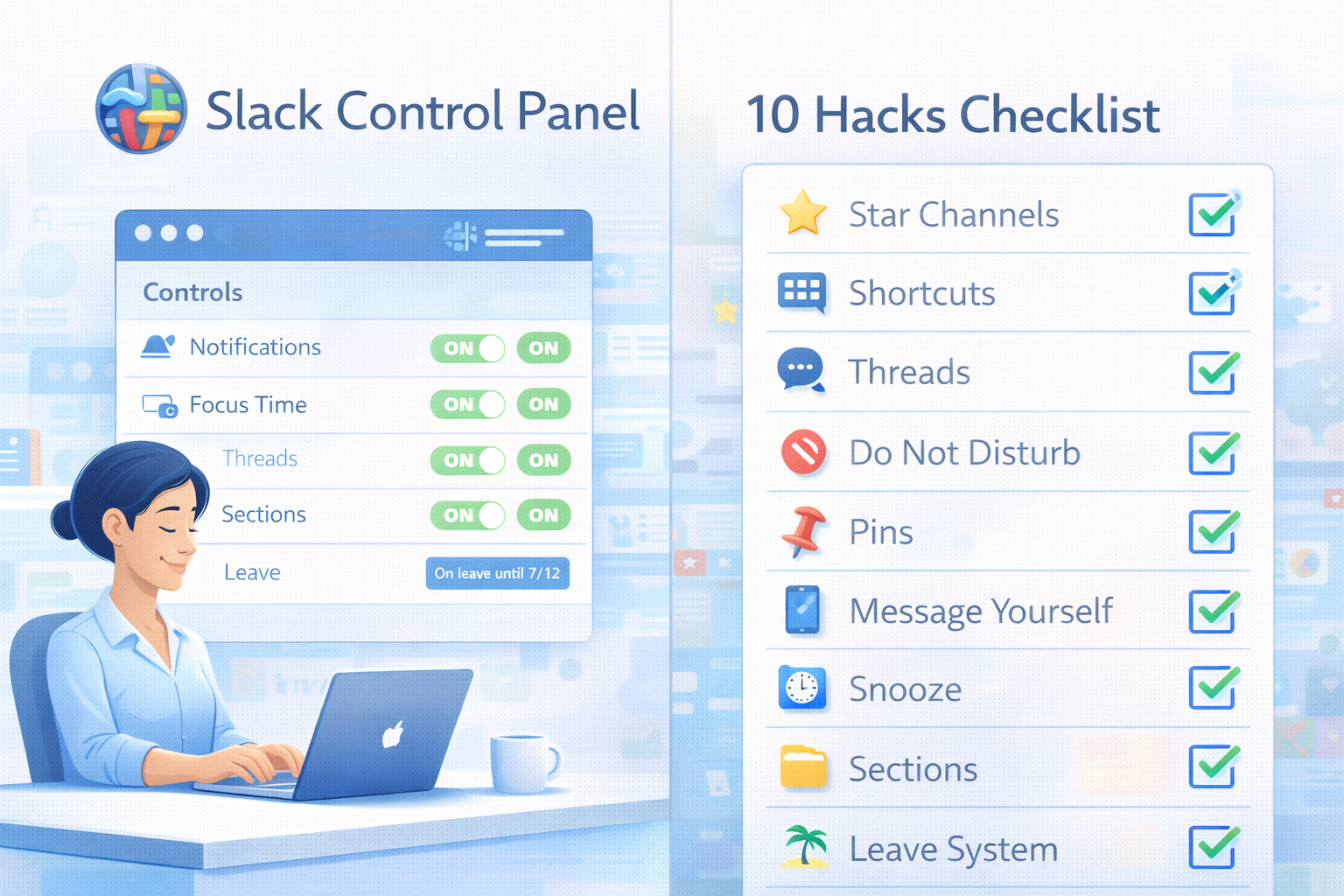
You don't need another Slack app.
You need to use the features Slack already has - better.
Here are 10 hacks you can implement in the next 5 minutes. No purchases. No IT approval. Just immediate productivity gains.
Hack #1: Star Channels You Actually Need
The problem: You're in 47 channels. You actively care about 6.
The hack:
- Star the channels that matter
- Go to Preferences → Sidebar
- Select "Starred channels only"
What this does:
- Hides the noise
- Shows only what you need
- Reduces visual clutter by 80%
Time to implement: 30 seconds
Hack #2: Slash Commands for Speed
Stop clicking through menus. Use these instead:
/remind me in 2 hours [task]- Set a reminder/dnd for 2 hours- Do Not Disturb mode/collapse- Collapse all images/files in a channel/status :calendar: In a meeting- Update your status/search in:@username keyword- Search someone's messages
The power move: Create a custom slash command for your most-used message.
Time saved: 2-3 hours per week (no more hunting through menus)
Hack #3: Message Yourself as a Notepad
The hack:
- Click the ⊕ next to "Direct Messages"
- Message yourself
- Star this conversation
Now use it for:
- Quick notes
- Links you want to save
- Draft messages before sending them
- Reminders
- Copy-paste buffer between devices
Why it's better than Notes apps:
- Already open in Slack
- Searchable
- Syncs across devices instantly
Time to implement: 10 seconds
Hack #4: Custom Notification Schedule
The problem: You get pinged at 11 PM. You check. It wasn't urgent. Your evening is ruined.
The hack:
- Go to Preferences → Notifications
- Set notification schedule (e.g., 9 AM - 6 PM weekdays only)
- Check "Allow notifications for... keywords"
- Add keywords like "URGENT", your name, your project
What this does:
- Silence non-urgent noise outside work hours
- Only critical things get through
- You actually disconnect
Time to implement: 2 minutes
Hack #5: Keyboard Shortcuts = Superpowers
Stop using your mouse. Learn these:
Navigation:
Cmd/Ctrl + K- Quick switcher (jump to any channel)Cmd/Ctrl + .- Toggle sidebarAlt + ↑/↓- Move between channels
Actions:
Cmd/Ctrl + Shift + K- Direct message anyoneCmd/Ctrl + /- Show all shortcutsR- Reply to threadCmd/Ctrl + Shift + A- All unreads
The 10x move: Use Quick Switcher (Cmd + K) for everything. Never click a channel name again.
Time saved: 30+ minutes per day (compound effect)
Hack #6: Threads for Sanity
The problem: Channel becomes a mess of 5 simultaneous conversations.
The hack: Actually use threads.
Reply in thread for:
- Anything that needs back-and-forth discussion
- Detailed answers to questions
- Anything more than 1 message long
Keep in channel for:
- Announcements everyone should see
- One-off updates
- Final decisions
Why it matters:
- Keeps channels scannable
- Reduces notification noise for others
- Context stays organized
Team norm to set: "If you're replying to someone, use a thread unless it's for everyone."
Hack #7: Pin the Important Stuff
Every channel has pinned messages. Almost nobody uses them.
What to pin:
- Channel purpose/guidelines
- Important recurring links (sprint board, docs)
- Decisions that were made
- POC information
How to use it: Before asking a question in a channel, check pins first.
The culture shift: "Did you check pins?" becomes the team mantra.
Time saved: Stop answering the same questions repeatedly
Hack #8: Snooze Individual Messages
The problem: Someone asks you something. You can't handle it right now. You'll forget about it.
The hack:
- Hover over the message
- Click the ••• menu
- "Remind me about this"
- Choose when
What happens: Slack resurfaces the message at your chosen time.
Perfect for:
- "Can you review this?" (snooze until your afternoon review block)
- "Quick question" (snooze until you have 10 minutes)
- Anything that needs focus you don't have right now
Time to implement: Literally 2 clicks
Hack #9: Sections to Organize Channels
The problem: Your sidebar is chaos. Work channels mixed with social channels mixed with project channels.
The hack:
- Create sections (click + next to Channels)
- Name them (Active Projects, Teams, Social, Archive)
- Drag channels into sections
- Collapse sections you don't need right now
Example structure:
- 📌 Starred (auto-populated)
- 🔥 Active Projects (current focus)
- 👥 Teams (your core team channels)
- 📢 Company (all-hands, announcements)
- 💬 Social (random, watercooler)
- 📁 Archive (completed projects, collapsed by default)
What this does:
- Visual organization
- Mental clarity
- Faster navigation
Time to implement: 3 minutes
Hack #10: Set Up Your Leave System (Before You Need It)
The problem: You go on vacation. Return to 50+ notifications. Spend 2 hours sorting through them. Ruin your first day back.
The free hack:
- Before leave, post in your active channels: "On leave [dates]. For urgent issues, contact @[backup]. I won't be checking Slack."
- Set Slack status: :palm_tree: "On leave until [date] - contact @[backup]"
- In Preferences → Notifications: Pause all notifications during your leave dates
The better solution: Use a tool like Slackoff that:
- Auto-responds when you're tagged
- Asks people to prioritize (High/Low)
- Shows backup contact for urgent items
- Gives you a clean summary when you return
Why this matters: You've now solved 9 productivity issues. Don't let #10 (leave chaos) undo all that progress.
$99 one-time, self-hosted → Slackoff
The Compound Effect
Each hack saves small amounts of time:
- Hack #1: 5 min/day
- Hack #2: 10 min/day
- Hack #3: 3 min/day
- Hack #4: 15 min/day (no more evening distractions)
- Hack #5: 30 min/day
- Hack #6: 20 min/day (less channel chaos)
- Hack #7: 5 min/day
- Hack #8: 10 min/day
- Hack #9: 5 min/day
- Hack #10: 1 hour per return from leave
Daily total: ~1.5 hours saved
Over a year: 1.5 hours × 250 work days = 375 hours. That's 9+ work weeks of your life back.
Implementation Plan
Don't do all 10 at once. You'll forget and revert.
Instead:
This week: Implement hacks #1, #3, #5
Next week: Add hacks #2, #4, #9
Week after: Set up #6, #7, #8
Before your next leave: Implement #10
The key: Make one hack automatic before adding the next.
Share This With Your Team
Individual productivity hacks are good.
Team-wide productivity norms are better.
If your whole team:
- Uses threads properly (#6)
- Checks pins before asking (#7)
- Respects notification schedules (#4)
- Has clear leave coverage (#10)
You've just made everyone more productive. Send this blog to your team. Pick 3 hacks to implement together.
The Bottom Line
Slack isn't the problem.
How you use Slack is the problem.
These 10 hacks cost:
- $0
- 15 minutes total setup time
- Zero IT approval
They save:
- 1.5+ hours per day
- Your sanity
- Your work-life balance
Stop working harder in Slack. Work smarter.
Try Slackoff →